Optimizing Deployment and Testing: ServiceNow ATF Suites with GitHub and TypeScript Series
Okay I failed at this version by only following the ServiceNow docs. I found another resource. Sometimes you just have to be like Theresa Guidice and flip the talle and start over. I’ll keep this here for transparency and at least someone else can know failure is always an option.

Note: I don’t go step by step. I just highlight where I deviate from the standard process.
Creating a JWT token is fairly new to me. So I’m going to start basically from scratch.
JWT tokens are basically authentication tokens used to verify your identity without using your using a user name and password. This is a big issue for me when using OAuth 2.0. You have to send your password when doing a machine to machine authentication. This is a good way around that almost mirroring the original OAuth implementation, in my opinion. The true definition is below:
JSON Web Tokens are an open, industry standard RFC 7519 method for representing claims securely between two parties. (https://jwt.io/)
I use JWT.io’s token debugger. Since it’s fairly simple for me to know what I’m doing. The documentation for creating this can be found in ServiceNow’s documentation.The link deals specifically with machine to machine communication.
The documentation ServiceNow provides is a bit weird, at least for my brain. So I started with creating the Application Registry record. This is mainly because I wanted to get the correct records for the following parameters.
aud: Must match the value of the Client ID.sub: Must be a user identifier, such as the user’s mail that you want to associate the token with.iss: Recommended matching the value of the Client ID. If theaudandissisn’t matching, then add theissvalue in the claim validation.exp: Any desired expiration.
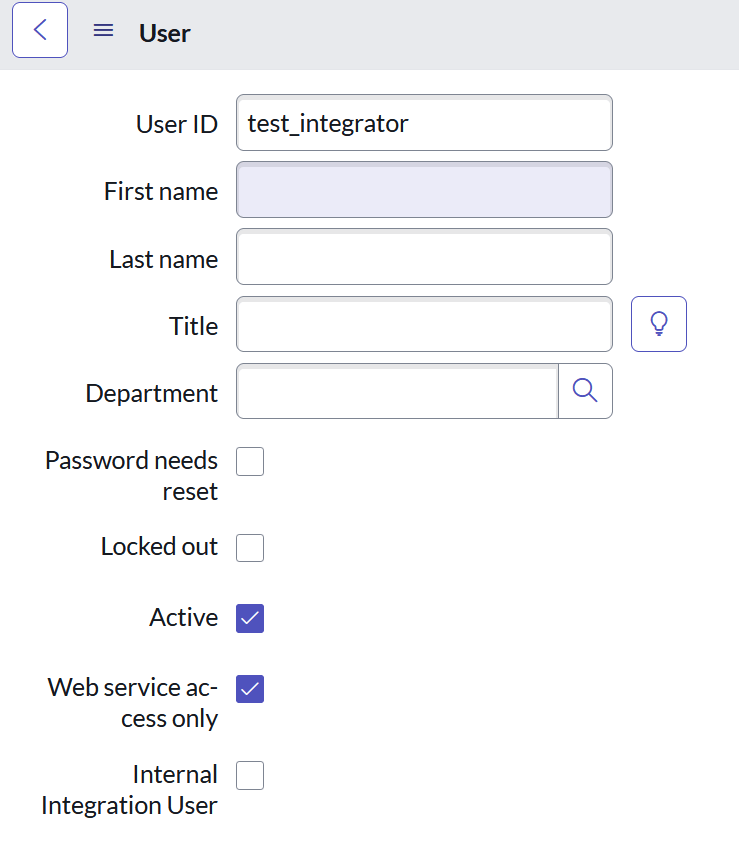
The user I created was just a regular web service account. I don’t discuss roles because people have different implementations and I just don’t want to assume anything.
Note: I used admin and I ran into this issue. This is a scoping issue.
{
    "error_description": "Grant access token to admin is not allowed",
    "error": "invalid_grant"
}
When you use JWT they will provide you with a public and private keys. You take the PUBLIC key and then add it to your Certificate [sys_certificate] table. I just set it as a PEM / Trust Store Cert and pasted the PUBLIC key into the PEM Certificate field. The ServiceNow docs mention this step so be sure to do this.


 Hyroquu